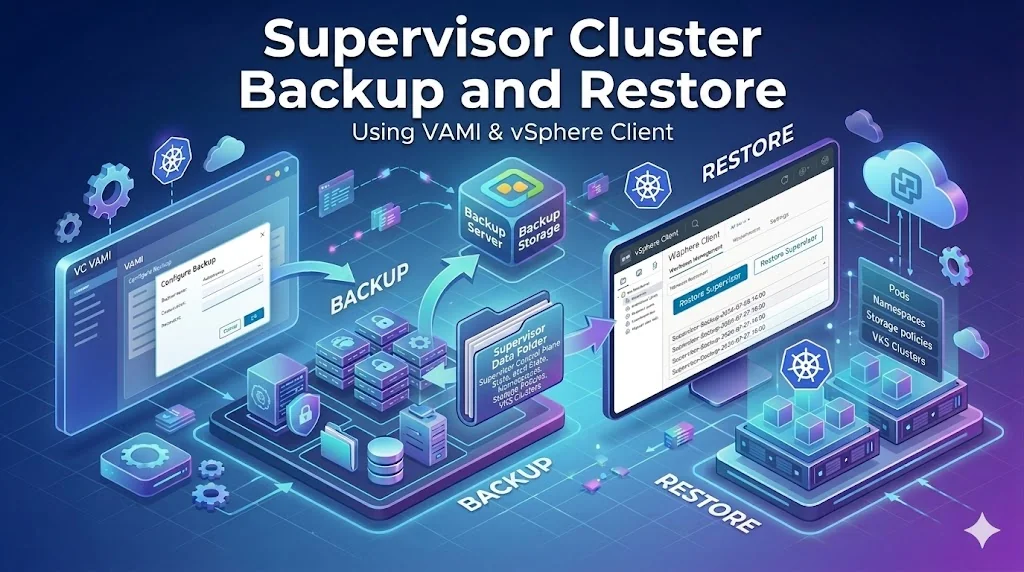
This blog post walks you through backing up the Supervisor Cluster via the vCenter Server Management Interface (VAMI) and restoring it directly from the vSphere Client (VC UI).
The backup process for the Supervisor is now integrated into the standard vCenter Server Appliance (VCSA) file-based backup.
Prerequisites
-
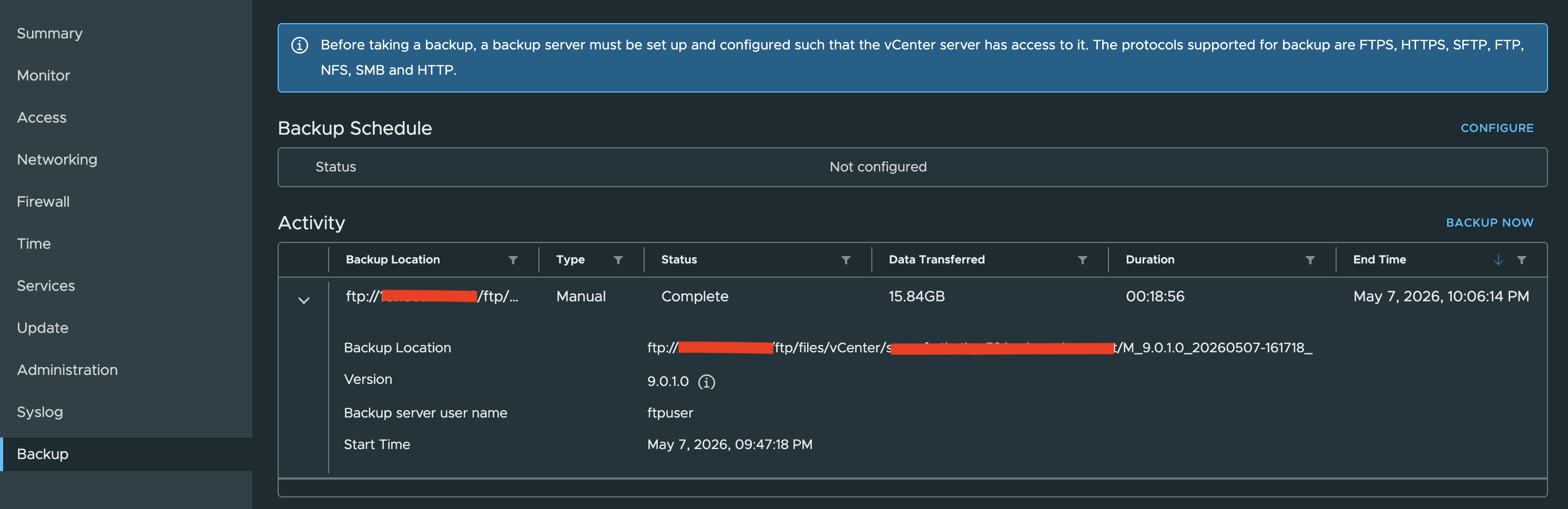
Before taking a backup, a backup server must be set up and configured such that the vCenter server has access to it. The protocols supported for backup are FTPS, HTTPS, SFTP, FTP, NFS, SMB and HTTP.
-
Permissions: You must have root access to the VAMI
Bill of Materials (BOM) used in Demo
- VCF 9.0.1
- Supervisor v1.31.6
Configure and run Backup
-
Open a browser and go to https://{vcsa-fqdn-or-ip}:5480.
-
Log in with the root credentials of the vCenter appliance.
-
In this demo, we are running a backup immediately instead of Configuring Schedule Backup.
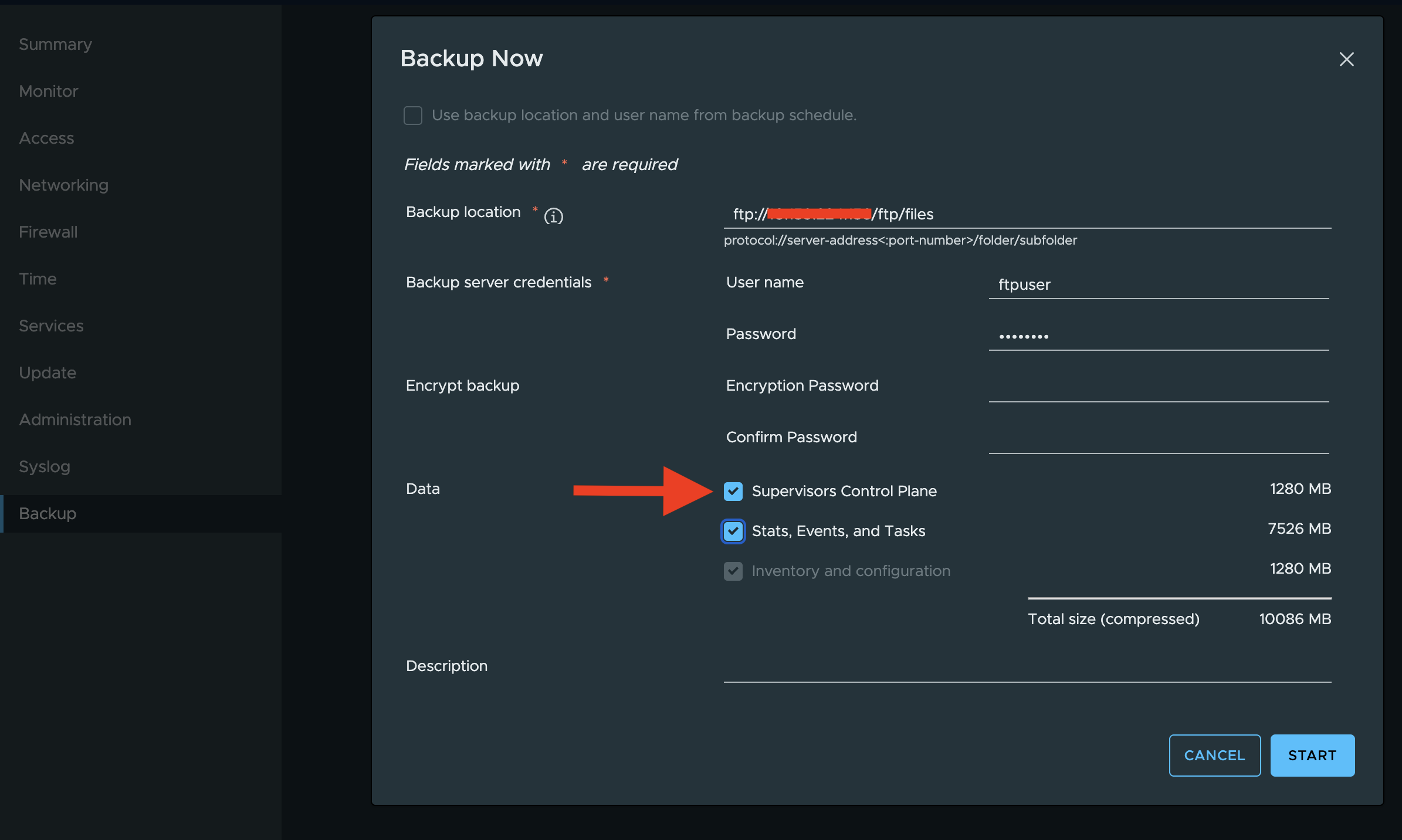
In the left sidebar, click Backup -> Activity -> Backup Now
In the Backup Details section, enter your backup server URL and credentials.
Critical Step: Under the Data section, ensure you select the checkbox for Supervisors Control Plane.
-
Click START to trigger the backup.
-
Verify the Backup status under Activity Section
Restoring the Supervisor via vCenter UI
-
Log in to the vSphere Client.
-
Navigate to Supervisor Management.
-
Select the Supervisors tab.
-
Click the Restore button

- Connect to backup destination by filling out all necessary data.
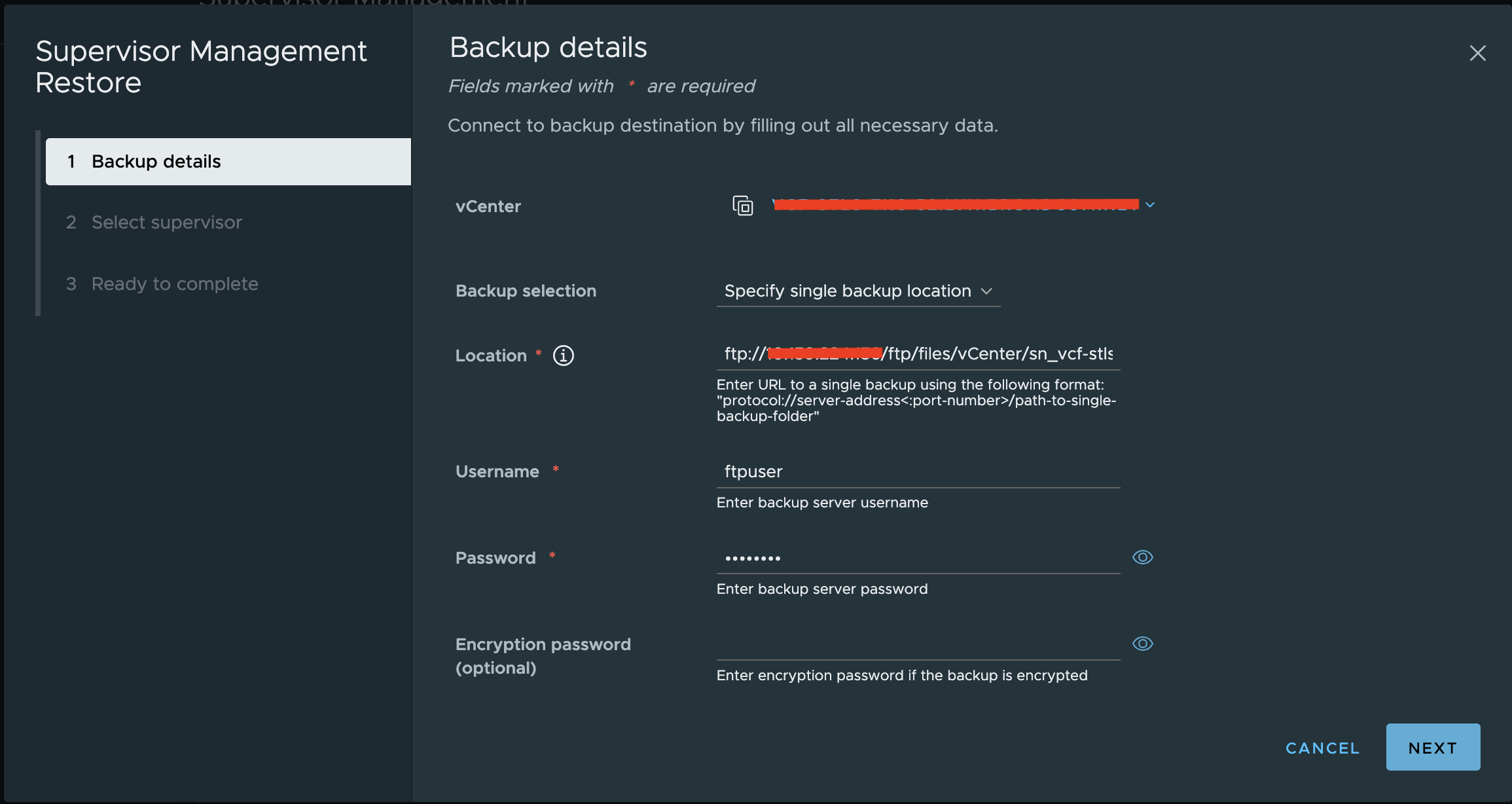
- Select Target: Select the Supervisor you want to recover.
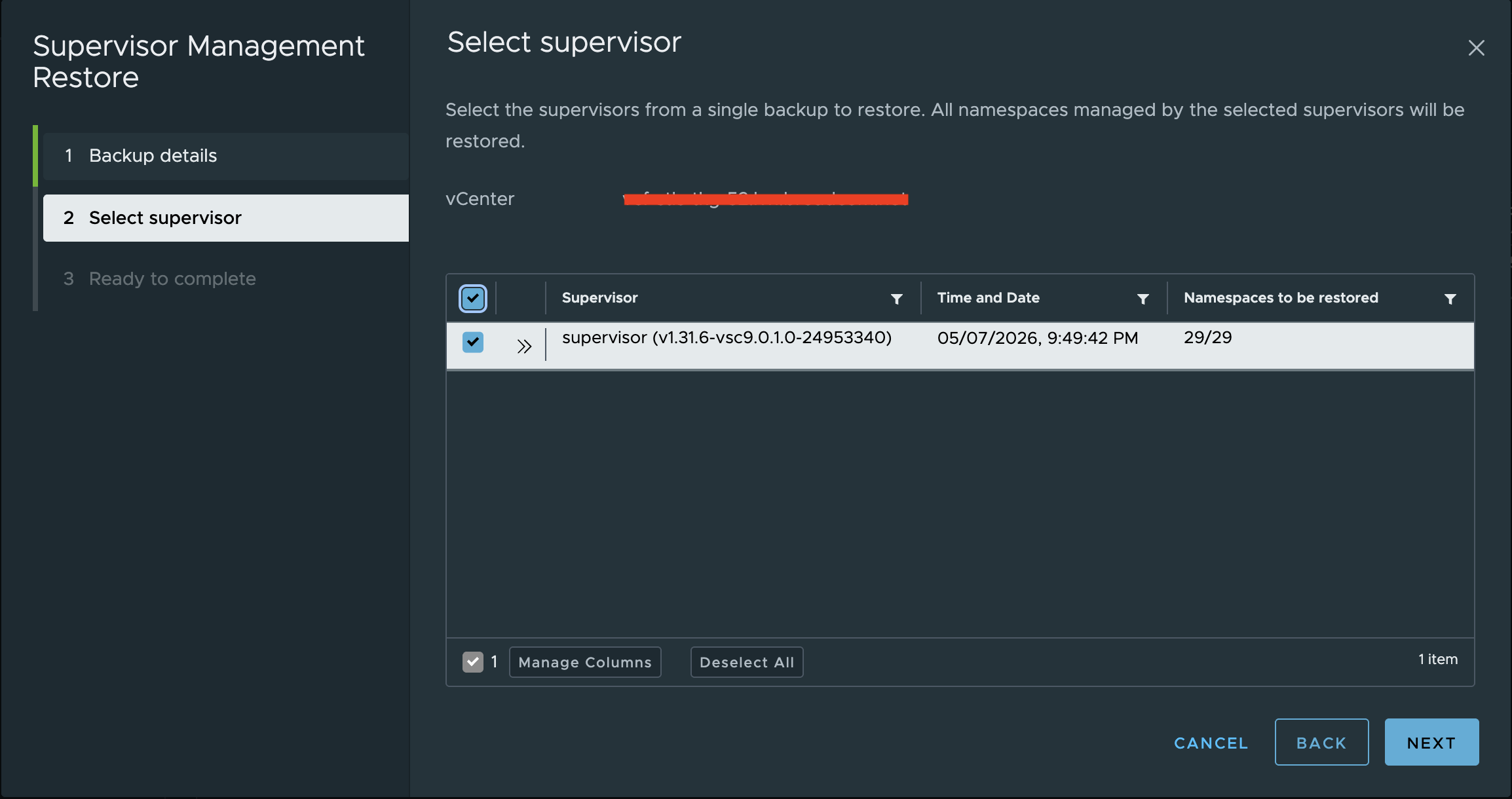
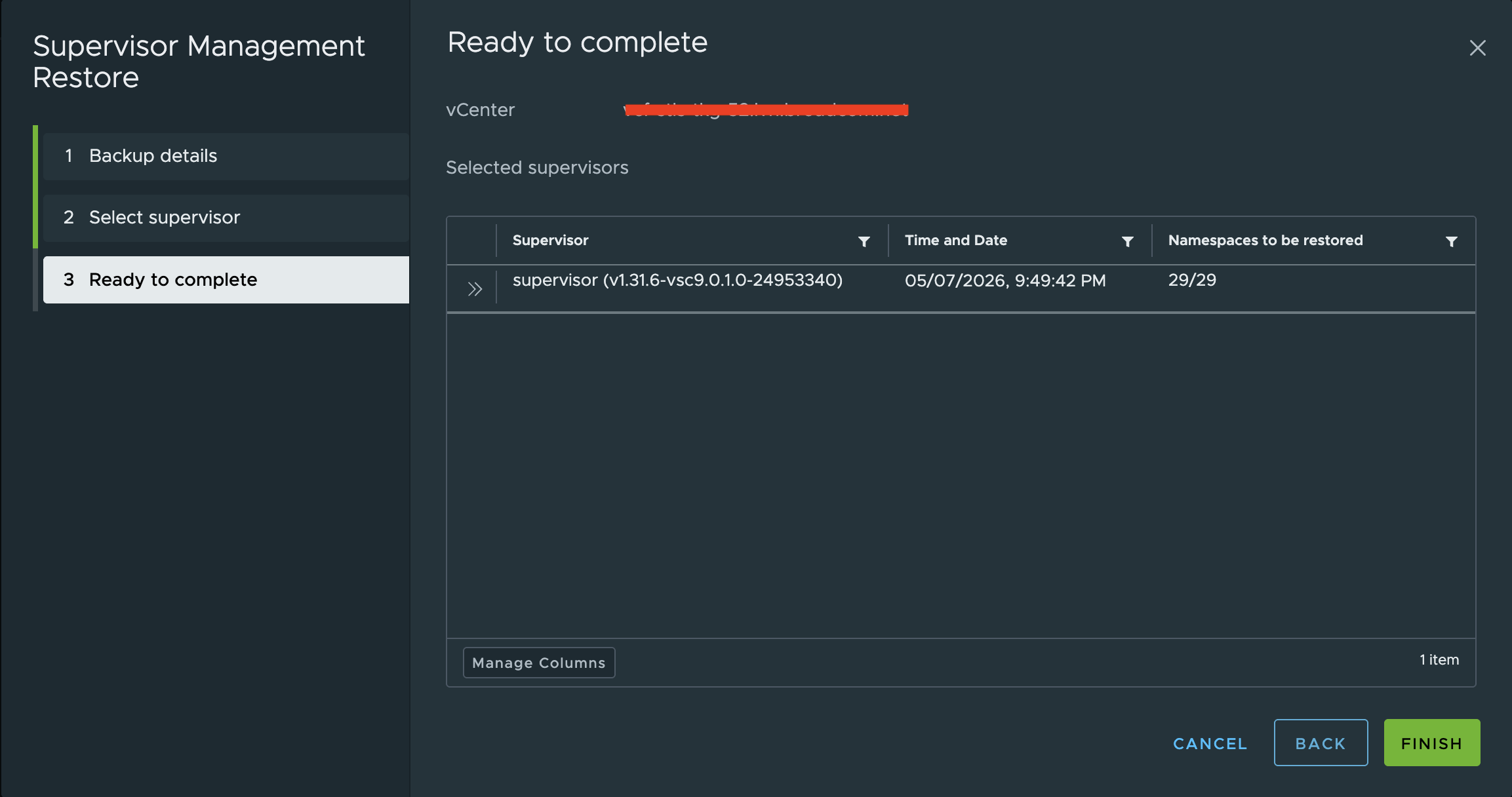
- Review and Finish: Confirm the settings. The system will recreate the Supervisor Control Plane VMs and restore the etcd state and configuration.
Important Considerations
This process restores the Supervisor Control Plane (the "brain" of the cluster). To backup and restore workloads running on VKS Clusters, or Persistent Volumes within the namespaces, you should still use a tool like Velero.
Disclaimer
This blog is for informational and educational purposes only. The configurations, examples, and architectural guidance provided are based on general best practices and publicly available references.
Always validate configurations in a non-production environment before applying them to live systems. Features and integrations may vary depending on the versions of VKS, VKr, LCI, Supervisor and vCenter Server being used. The author is not responsible for any unintended impact caused by the use of this information in production environments.
Contents, and opinions are my own and do not reflect the opinions of my employer.